
Control setup checklist
Mark the steps you have completed. Your checklist is saved on this device, with no account.
JavaScript is off or has not started. The full guide is readable; saving your checklist requires JavaScript.
Use manual jump intentionally
Press X on the default layout. If the prompt shows a different button, check Swap Jump Controls in the game’s Options menu.
SourcesNintendo LifeZelda CentralGame Informer / Brian SheaMt. Wildwood / 101LeafyUse dash for travel
Hold A while moving and steer the camera with the right stick. If you use a Switch 2 Pro Controller and want your thumb free for the camera, hold HOME, open the GL/GR button settings and assign A to a back button for this game.
SourcesTechRadarZelda CentralGame Informer / Brian SheaChoose camera and targeting settings
TechRadar reports camera controls, speed, motion aiming and one-click or press-and-hold targeting options.
SourcesTechRadarEnable Ocarina Mic Input
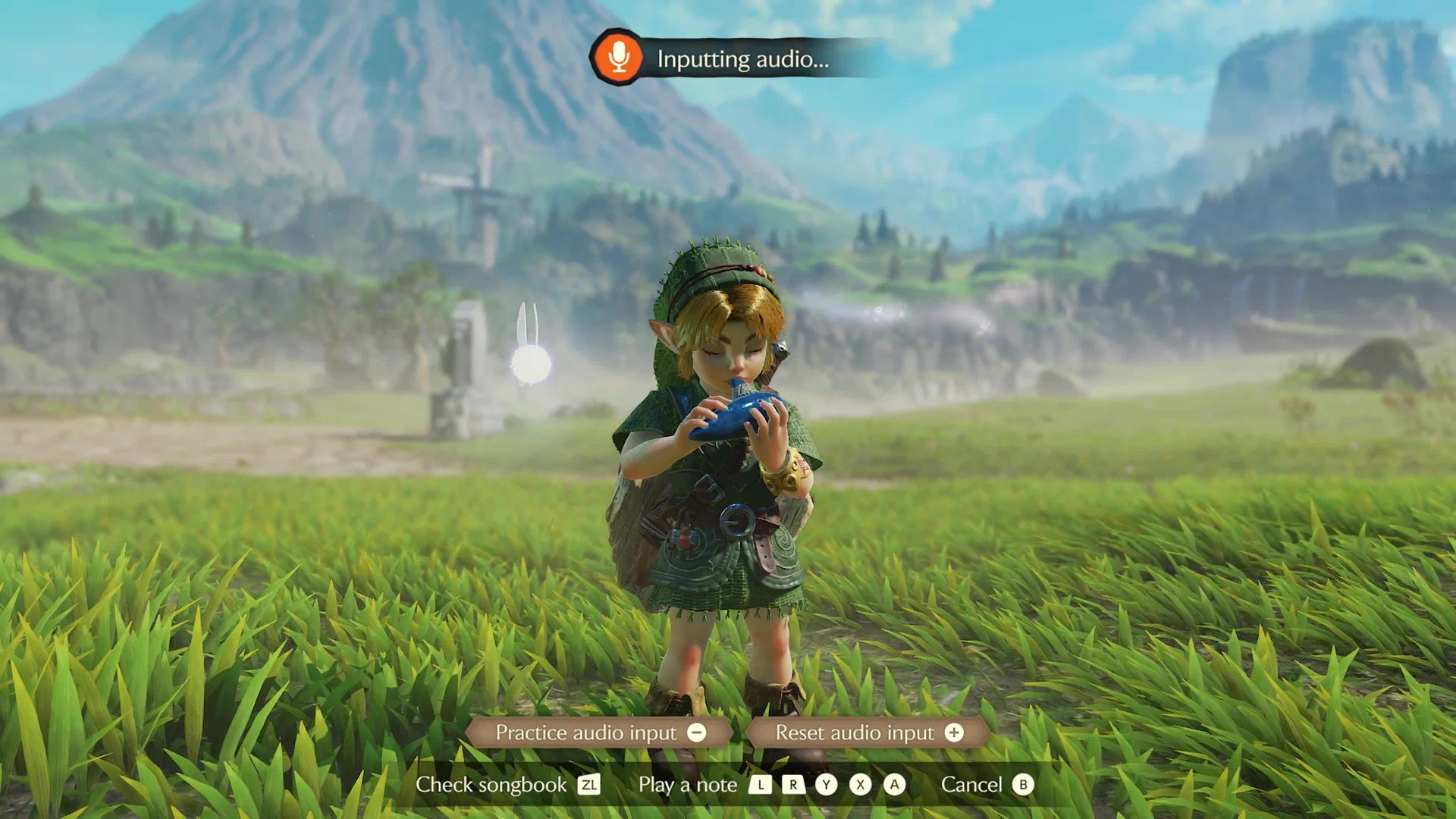
Nintendo's official path is + → System → Options, then Instruments or Humming. If a headset is connected, check the Switch 2 input microphone.
- Open the + menu.
- Select System, then Options.
- Choose Instruments or Humming.
- If input fails, check HOME Menu → System Settings → Audio → Input Microphone.
- Use Practice Mode with − to inspect pitch and duration.
Keep controller input as a fallback
Press left on the directional pad to bring out the ocarina. Follow the note prompts on the performance screen. For the other button layout, open + → System → Options → Swap Ocarina-Playing Controls.
SourcesNintendo Support
Movement: jump and dash
The remake adds manual jumping and a dash-style movement option; use on-screen prompts rather than importing N64 muscle memory.
SourcesNintendo LifeTechRadarZelda CentralCamera, targeting and aim
Full camera control is new, with camera speed, targeting and motion-control aiming options.
SourcesNintendo LifeTechRadarOcarina input
Nintendo Support documents microphone and controller routes; humming does not skip learning a song.
SourcesNintendo SupportKeenGamer / Rafly WibowoSources & verification
Checked against edition-specific source text; not independently play-tested by OoT Compass. Reviewed 2026-11-19, revision 2.
All sources used on this page
- Nintendo Support: Using Mic Input to Play the OcarinaNintendo Support
- KeenGamer: Ocarina songs and Switch 2 controlsKeenGamer / Rafly Wibowo
- Nintendo Life: Ocarina of Time Switch 2 reviewNintendo Life
- TechRadar: Ocarina of Time remake reviewTechRadar
- Zelda Central: changes from the originalZelda Central
- Game Informer: dash, jump and the Switch 2 Pro ControllerGame Informer / Brian Shea
- Mt. Wildwood: Switch 2 remake Options menuMt. Wildwood / 101Leafy